
USB creation
 Fedora Media Writer
Make a Fedora USB with Fedora's own Media Writer tool.
What is Fedora Media Writer?
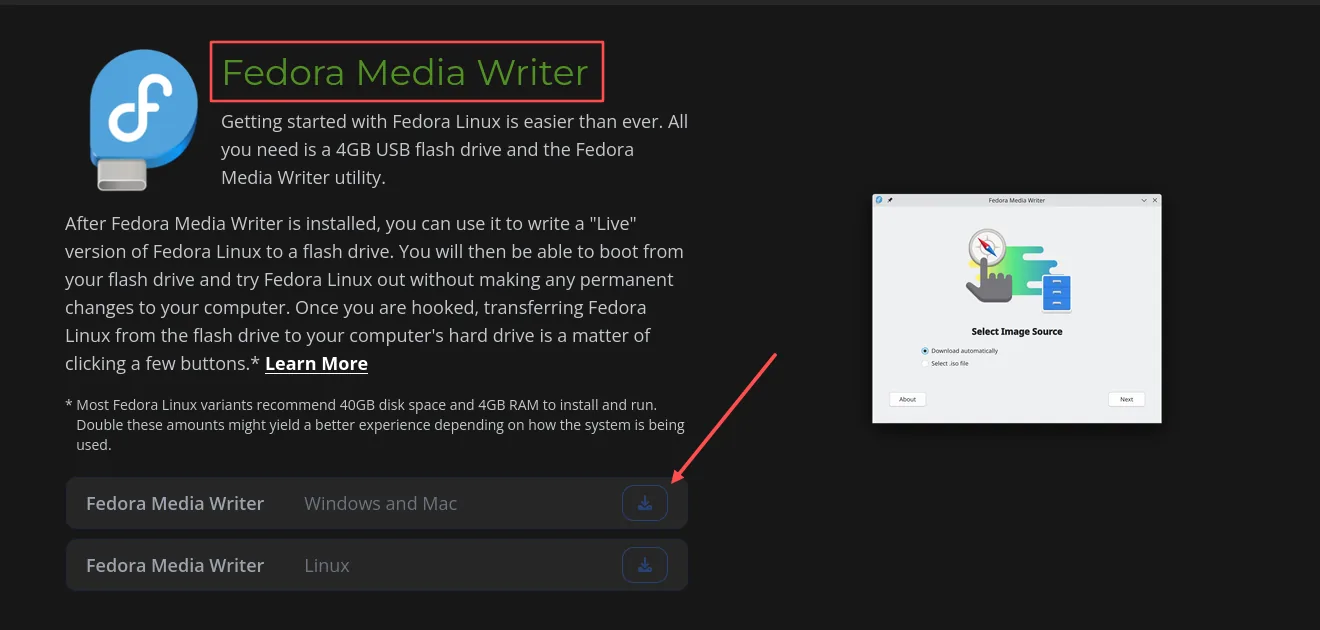
Fedora Media Writer is Fedora’s own USB creation tool. It can download Fedora and write it to your USB stick for you, ready to try or install.
Made for Fedora: This guide is specifically for creating a Fedora USB.
Available on: Windows, macOS, and Linux.
Download Fedora Media Writer (opens in a new tab)
Make the USB
Install Fedora Media Writer from the download page, then plug in your USB stick.
- Choose Fedora
Open Media Writer, choose Download automatically, then choose the Fedora edition you want, such as Workstation.
- Choose your USB
Follow the prompts to choose the Fedora version, your computer type, and the USB stick you want to use.
- Download and write
Start the download and writing process. Allow any requested permission and wait until Media Writer says it has finished.
What next?
Safely eject the USB, then follow Trying Linux to start from it.