
USB creation
 Etcher
Make a Linux USB with Etcher on Windows, macOS, or Linux.
What is Etcher?
Etcher writes your Linux download to a USB stick so you can start your computer from it. It’s a straightforward choice if you just want to make one Linux USB.
Available on: Windows, macOS, and Linux. Check the download page for supported versions.
Download Etcher (opens in a new tab)
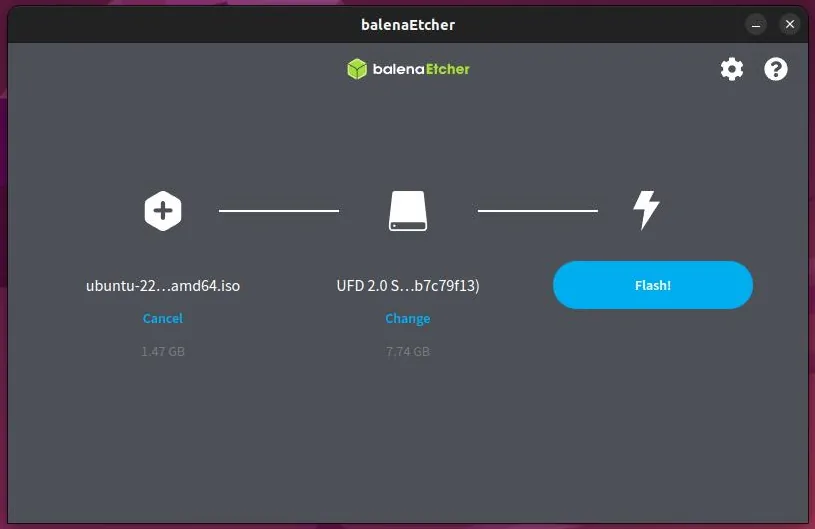
Make the USB
Download your distro’s ISO file from its official website first. If the distro recommends a particular USB tool or settings, follow its guide.
- Choose the download
Open Etcher, choose Flash from file, and select your Linux ISO.
- Choose your USB
Choose Select target and select the USB stick you want to use.
- Write the image
Choose Flash and allow the requested permission. Wait for writing and validation to finish.
What next?
Safely eject the USB, then follow Trying Linux to start from it.