
Desktop environments
 MATE
MATE
A lightweight desktop with an older look and straightforward settings.
What is MATE?
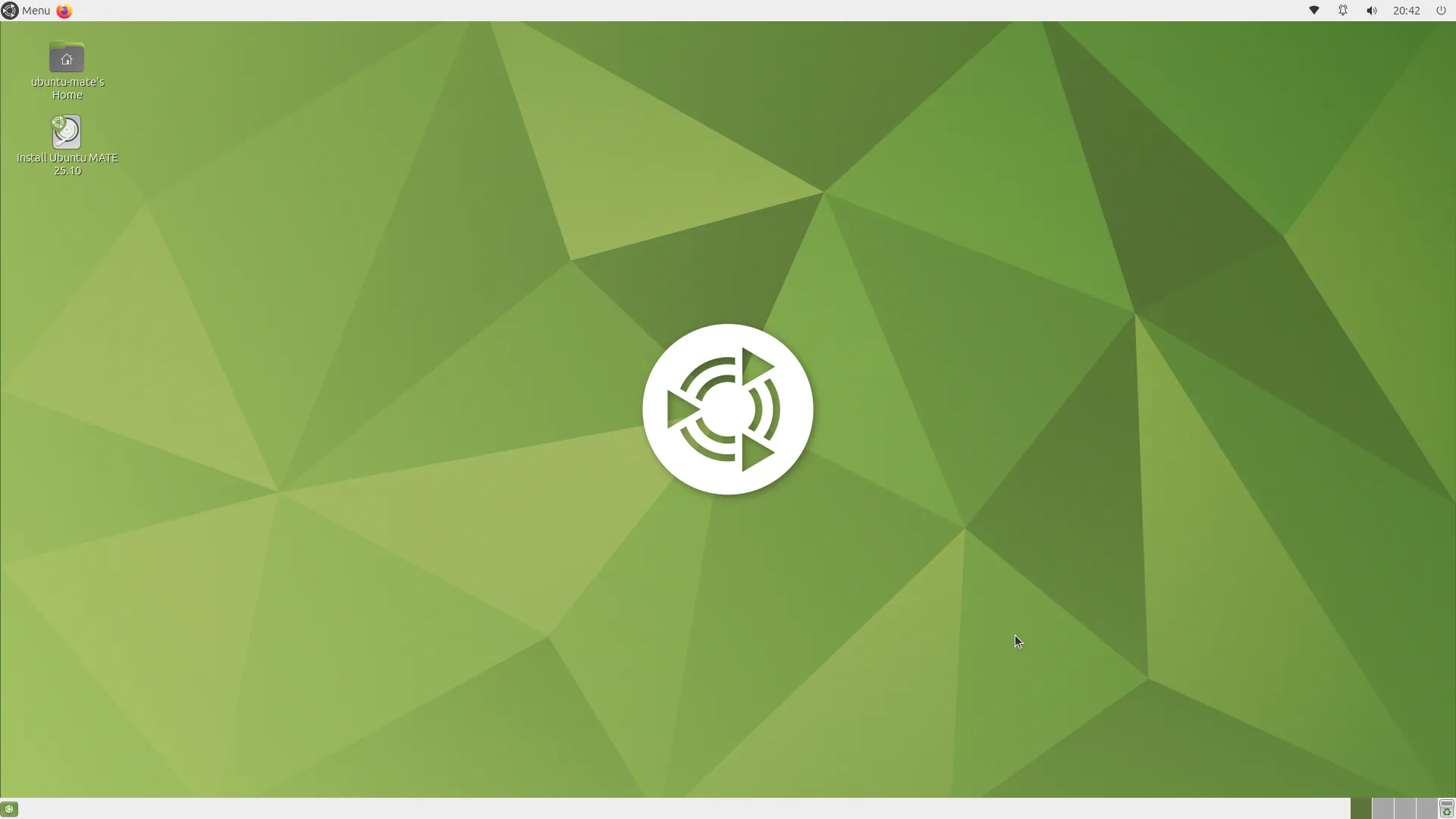
MATE is a desktop environment developed by the MATE community. It carries on the traditional design of GNOME 2, an earlier version of GNOME, with app menus, panels and desktop shortcuts.
MATE looks more old-fashioned than many newer desktops, but it’s light on system resources. That makes it worth considering for an older or less powerful computer, or if you prefer a more traditional desktop.
Can you customise it?
You can move panels, change themes and icons, and add small tools such as clocks or system monitors to your panel.
Some distros include extra layout choices. Ubuntu MATE, for example, offers several ready-made layouts, so you can pick one before making your own changes.
Explore MATE (opens in a new tab)
Which distros use it?
Ubuntu MATE (opens in a new tab) comes with it ready to use. Linux Mint also offers a MATE edition, and Debian includes it as a desktop choice.
 Ubuntu
 Linux Mint
 Debian
Choose MATE if…
- You prefer traditional menus and panels with your apps easy to find.
- You want a desktop worth trying on an older computer.
- You’d like to change the layout without starting from scratch.