
Bazzite
NVIDIA
Choose a Bazzite download with NVIDIA drivers included.
Drivers included
Bazzite’s NVIDIA downloads include the drivers. You normally don’t need to install them separately, and driver updates arrive with your normal system updates.
Choose your download
On the Bazzite download page (opens in a new tab), choose your hardware, then select the NVIDIA option that matches your graphics card.
RTX and GTX 16 series or newer: Choose the NVIDIA option under Modern GPUs.
GTX 9 and GTX 10 series: Choose NVIDIA LTS under Older/Legacy GPUs.
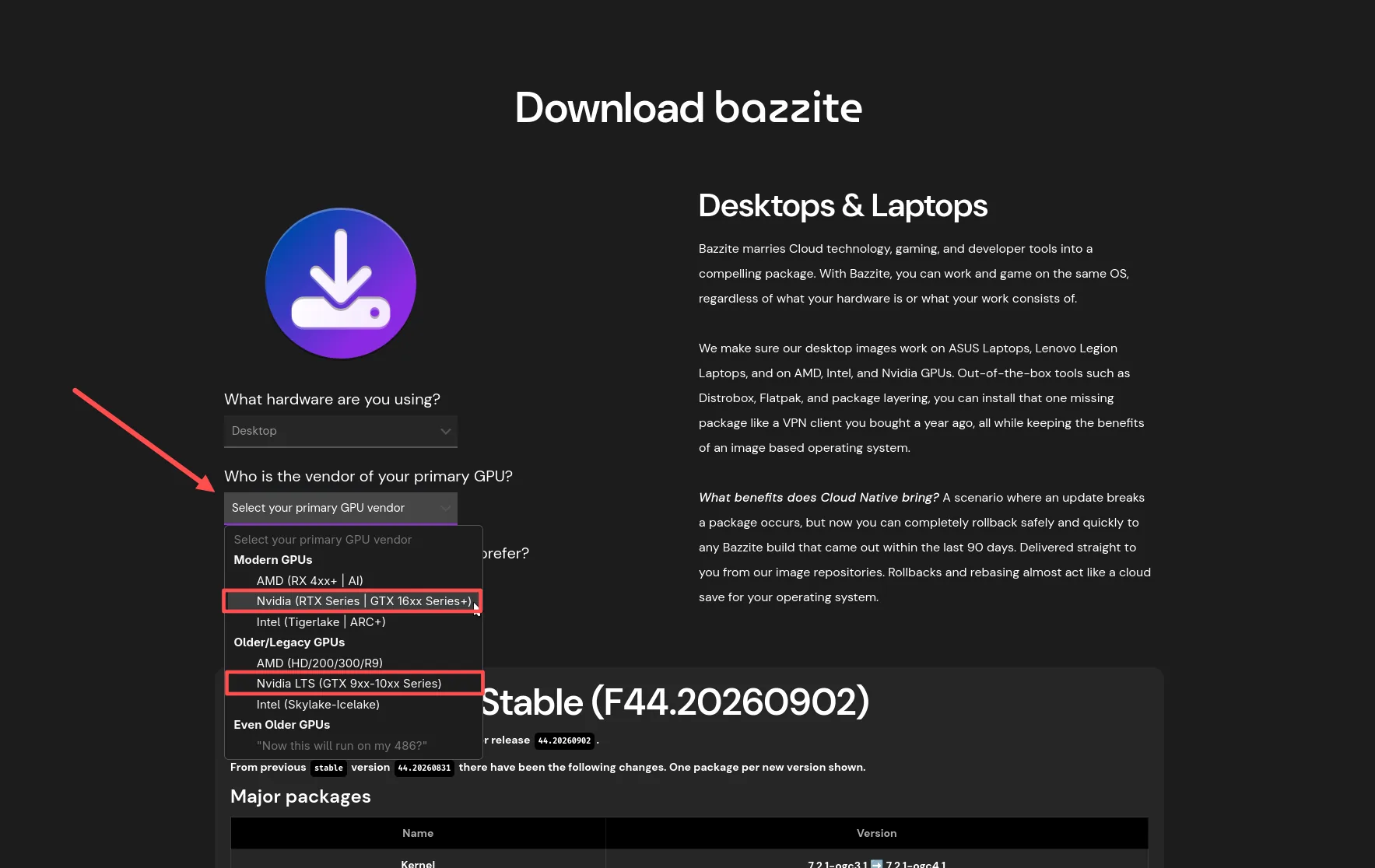
Check the models listed in the picker when you download, as support can change.
See Bazzite’s driver FAQ (opens in a new tab) for more detail.