
Pop!_OS
NVIDIA
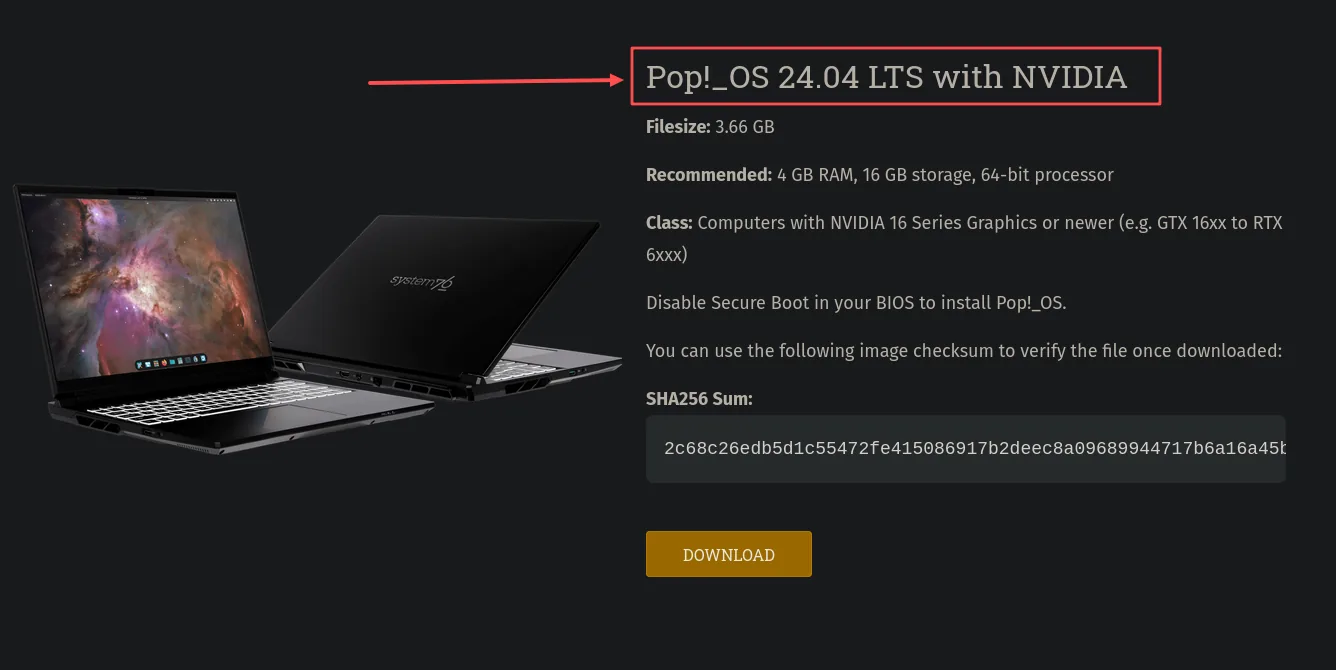
Pop!_OS offers a download with NVIDIA drivers included.
Drivers included
Choose the NVIDIA download when installing Pop!_OS. It includes the driver, so you normally don’t need to install it separately afterward.
Check your card against the supported models on the Pop!_OS download page (opens in a new tab), especially if you have an older card.
Already installed the other version?
If you used the Intel/AMD download or added a supported NVIDIA card later, System76 provides this command to install the driver:
sh
sudo apt install system76-driver-nvidiaWait for it to finish, then restart your computer. Driver updates arrive through your normal system updates.
See System76’s installation guide (opens in a new tab) for the official instructions.