
Software
 Snap
Snap
Install and manage Snap apps on your Linux distro.
What is Snap?
Snap is made by Canonical, the company behind Ubuntu. It packages apps with the files they need to run.
- It makes most sense on Ubuntu, where Snap is already set up.
- Apps update automatically by default.
- On other distros, try their own packages or Flatpak first.
Snap is controversial in parts of the Linux community, particularly because Canonical controls the main Snap Store. Linux Mint disables Snap installation by default and explains its concerns here (opens in a new tab).
Snap apps usually run in a sandbox, which limits what they can access on your computer.
What does sandboxed mean?
Snaps normally run in a sandbox. Think of it as giving an app its own space, with limits on which files, devices and parts of your system it can access.
Developers and package maintainers choose the access the app needs to work. Everyday permissions are often set up automatically, so you can usually use the app without noticing the sandbox. Those limits still add a layer of protection.
Some snaps use classic mode, which gives them much broader access without the usual sandbox restrictions. Snap makes this clear when you install one.
More about Snap sandboxing (opens in a new tab)
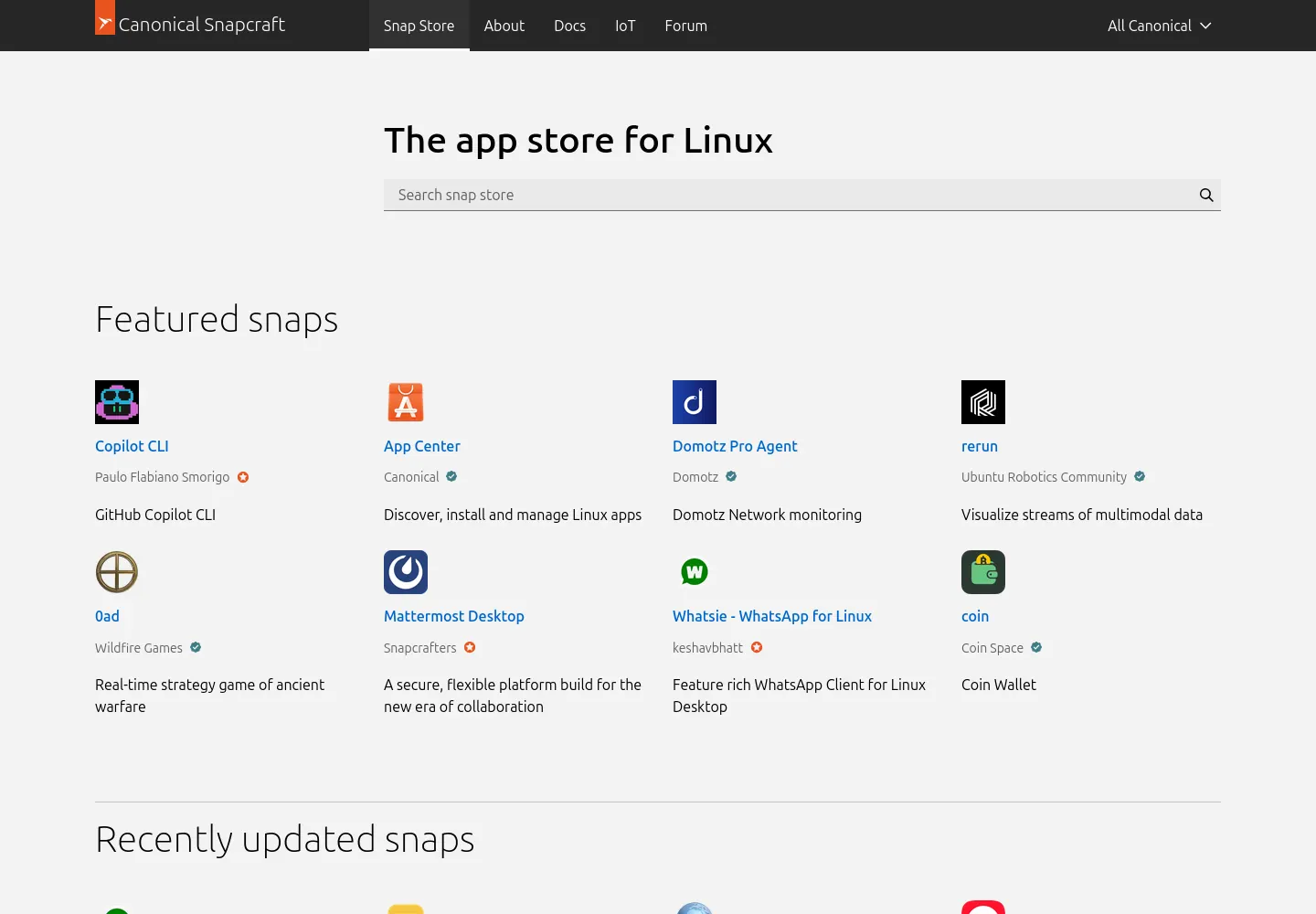
What is the Snap Store?
The Snap Store is where you find Snap apps. You’ll need snapd, the software that manages snaps, installed first.
Find your distro’s install guide here (opens in a new tab)
Browse apps on the Snap Store (opens in a new tab)
Install an app
Replace app-name with the name shown on the app’s store page.
sudo snap install app-nameUpdate your snaps
Snaps update automatically by default. To check for and install updates now:
sudo snap refreshSee your installed apps
List your installed snaps and their versions.
snap listRemove an app
Remove the app and its internal data. On standard desktop installations, Snap normally keeps a backup of that data for 31 days:
sudo snap remove app-nameRemove it without creating that backup. Save anything you want to keep first:
sudo snap remove --purge app-nameOlder backups and files saved outside the snap may remain.